
作者:順哥
email:palmbear@gmail.com
Table of Contents
[TOC]
緣起
Raspberry Pi 5 在2023年10月發表後,一直沒有出現在市面上發售,在digikey的行銷email中知道digikey有在預購,就趕緊上網下訂預購,經過一個多月的時間,Raspberry Pi 5 在 2023/11/20 終於到手了。
Raspberry Pi 5 網頁:
https://www.raspberrypi.com/products/raspberry-pi-5/
digikey官網:
https://www.digikey.tw/
外觀
- 我們的戰利品


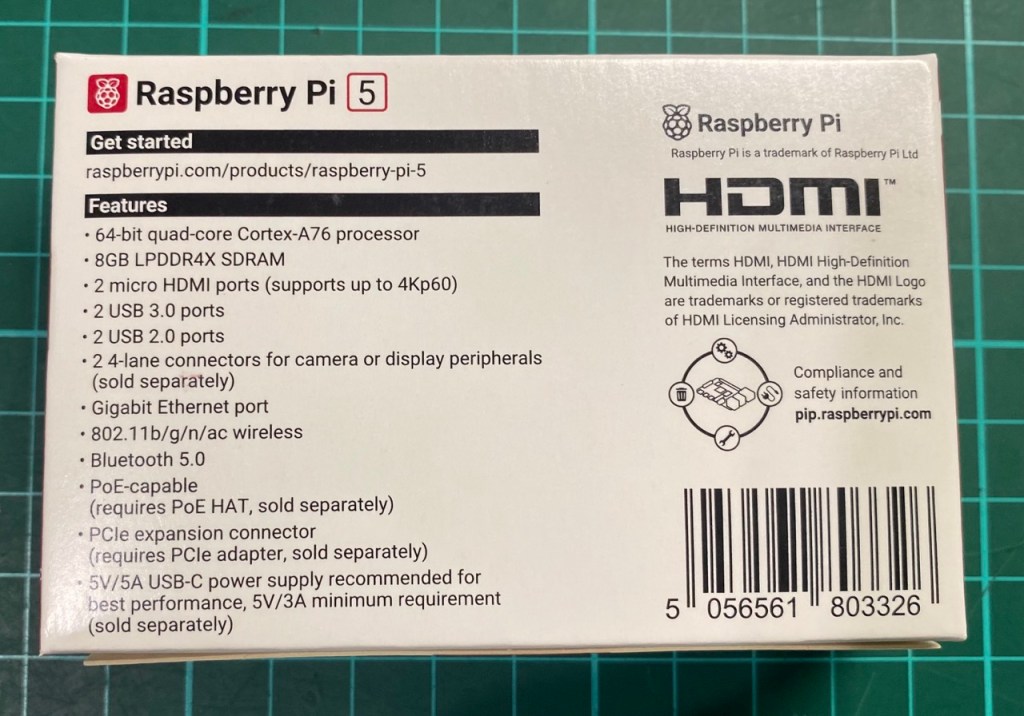

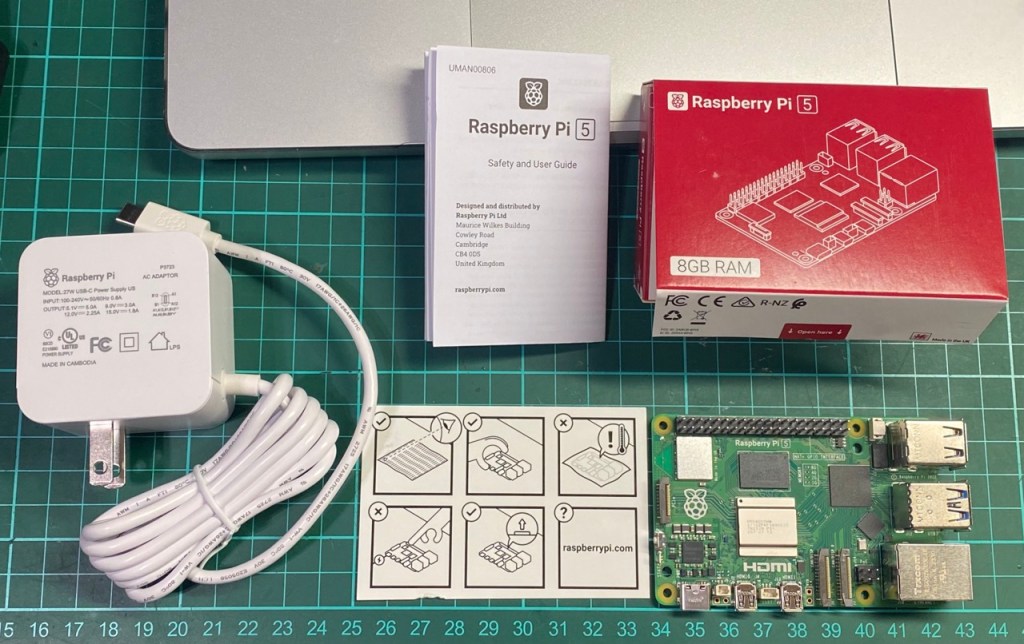
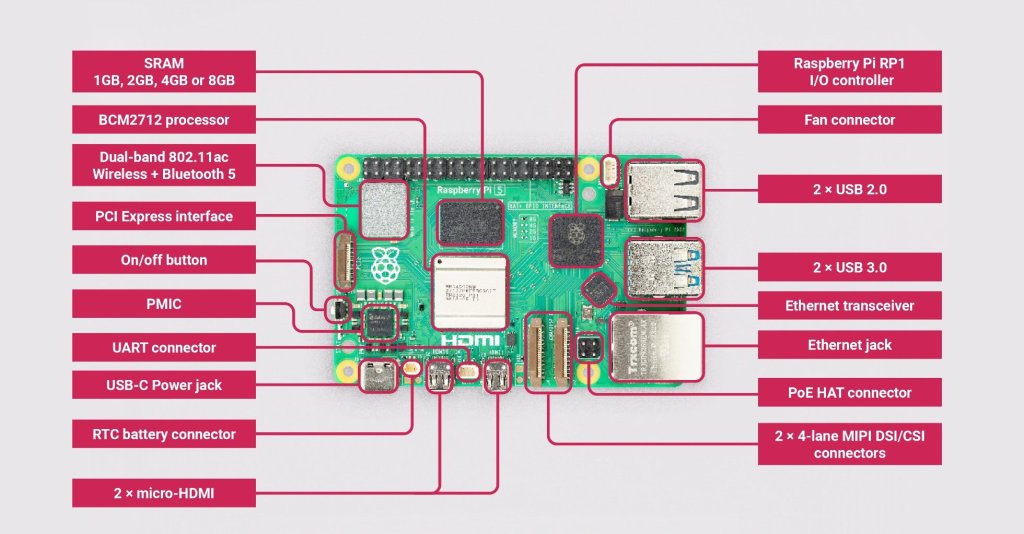
硬體規格
- Broadcom BCM2712 2.4GHz quad-core 64-bit Arm Cortex-A76 CPU, with cryptography extensions, 512KB per-core L2 caches and a 2MB shared L3 cache
Broadcom BCM2712 2.4GHz 四核 64 位元 Arm Cortex-A76 CPU,具有加密擴展、每核 512KB 二級緩存和 2MB 共用三級緩存 - VideoCore VII GPU, supporting OpenGL ES 3.1, Vulkan 1.2
VideoCore VII GPU,支援 OpenGL ES 3.1、Vulkan 1.2 - Dual 4Kp60 HDMI® display output with HDR support
雙 4Kp60 HDMI® 顯示輸出,支援 HDR - 4Kp60 HEVC decoder
4Kp60 HEVC 解碼器 - LPDDR4X-4267 SDRAM (4GB and 8GB SKUs available at launch)
LPDDR4X-4267 SDRAM(發佈時提供 4GB 和 8GB SKU) - Dual-band 802.11ac Wi-Fi®
雙頻 802.11ac Wi-Fi® - Bluetooth 5.0 / Bluetooth Low Energy (BLE)
藍牙 5.0 / 低功耗藍牙 (BLE) - microSD card slot, with support for high-speed SDR104 mode
microSD 卡插槽,支援高速 SDR104 模式 - 2 × USB 3.0 ports, supporting simultaneous 5Gbps operation
2 個× USB 3.0 埠,支援同時 5Gbps 操作 - 2 × USB 2.0 ports
2 個× USB 2.0 埠 - Gigabit Ethernet, with PoE+ support (requires separate PoE+ HAT)
千兆乙太網,支援 PoE+(需要單獨的 PoE+ HAT) - 2 × 4-lane MIPI camera/display transceivers
2 × 4 通道 MIPI 攝像頭/顯示收發器 - PCIe 2.0 x1 interface for fast peripherals (requires separate M.2 HAT or other adapter)
PCIe 2.0 x1 介面,用於快速外設(需要單獨的 M.2 HAT 或其他適配器) - 5V/5A DC power via USB-C, with Power Delivery support
通過USB-C提供5V/5A直流電源,支援Power Delivery - Raspberry Pi standard 40-pin header
Raspberry Pi 標準 40 針接頭 - Real-time clock (RTC), powered from external battery
即時時鐘 (RTC),由外部電池供電 - Power button
電源按鈕
注意事項
- 您的Raspberry Pi 5 需要最新版本的Raspberry Pi OS, Bookworm。
- Raspberry Pi 5 是比 Raspberry Pi 4 性能更高的電腦,使用電源供電不足時可能會遇到問題。建議是用原廠高品質的 5V 5A USB-C 電源。
- Raspberry Pi 5 不適合Raspberry Pi 4 外殼。可以使用原廠 Raspberry Pi 5 的 Raspberry Pi 保護殼。
- Raspberry Pi 5 比上一代 Raspberry Pi 更快、更強大,並且與大多數電腦一樣,它在主動冷卻下表現最佳。可以購買Raspberry Pi 5 的 Raspberry Pi Case 搭配原廠專用散熱風扇,可以達到較佳的散熱效果。
- Raspberry Pi 5 已針對 PCIe Gen 2.0 速度(5 GT/秒)進行了認證,但如果將以下行添加到 /boot/firmware/config.txt .可以強迫升級至 PCIe Gen 3.0
# Enable the PCIe external connector
dtparam=pciex1

# Force Gen 3.0 speeds
dtparam=pciex1_gen=3
原廠技術文件:
https://www.raspberrypi.com/documentation/computers/raspberry-pi-5.html
安裝作業系統
- 下載 Raspberry Pi Imager:
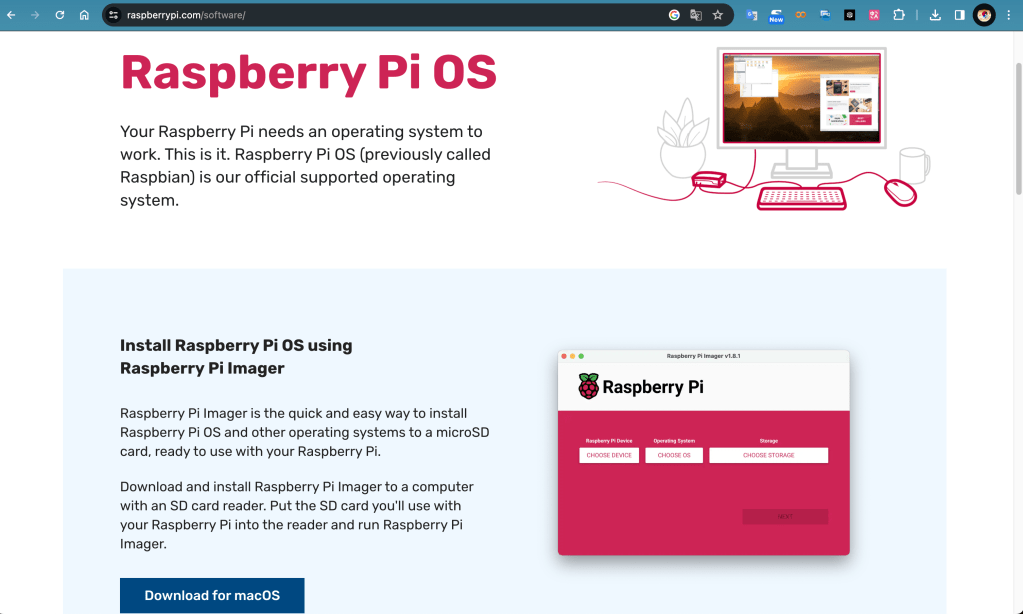
- 將MicroSD卡或隨身碟或USB隨身硬碟重新格式化為FAT32格式,可以使用 Raspberry Pi Imager 直接處理。
- 燒錄作業系統:
選取 RASPBERRY PI 5 、 RASPBERRY PI OS(64-BIT) 以及你的 「MicroSD卡」 或 「隨身碟」 或 「USB隨身硬碟」。
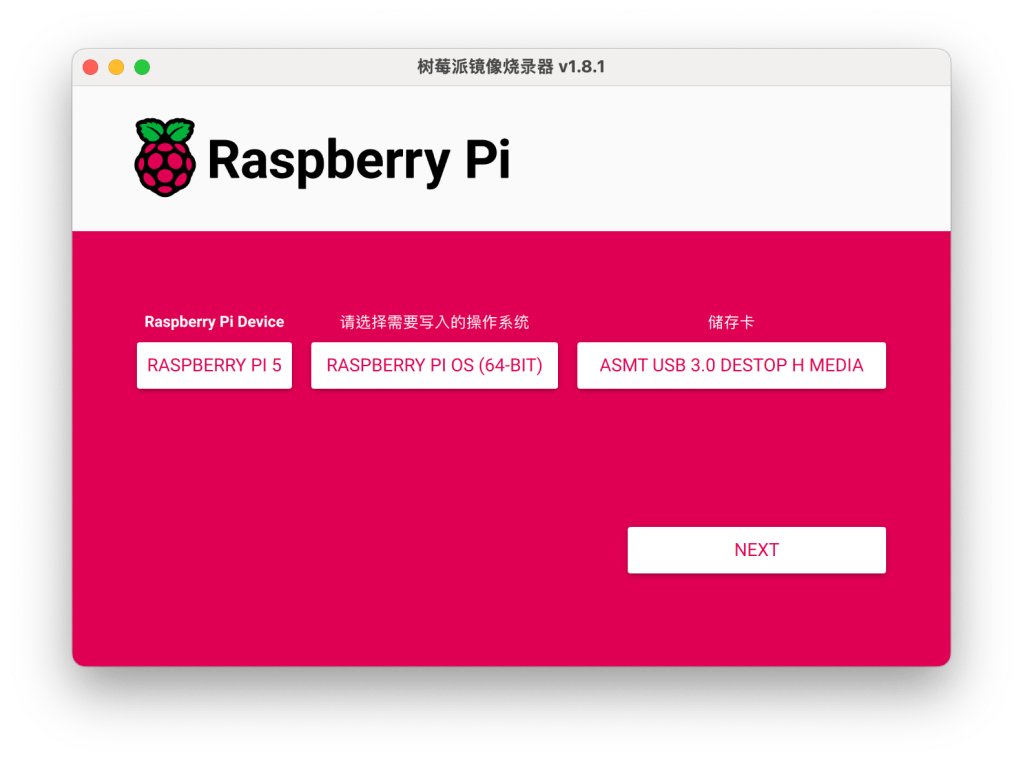
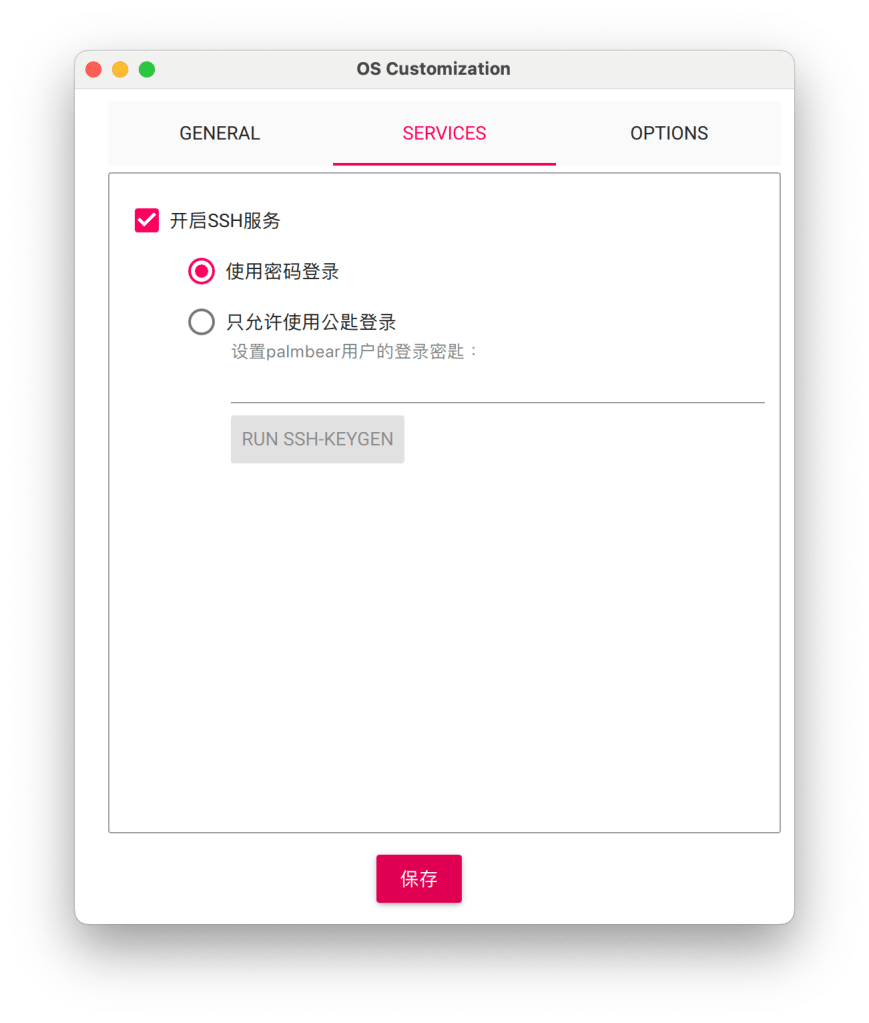
選取「編輯配置」

在GENERAL頁籤可以直接配置使用者名稱及Wi-Fi無線網路

可以勾選啟用SSH
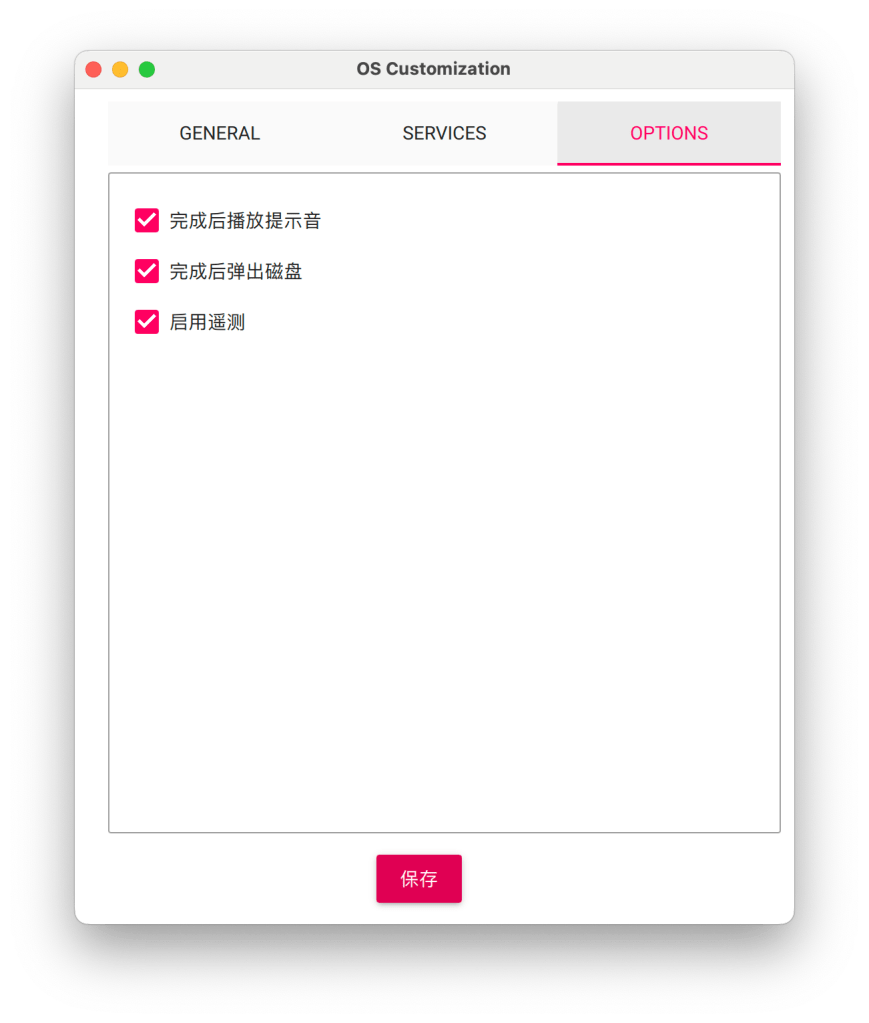
其他選項
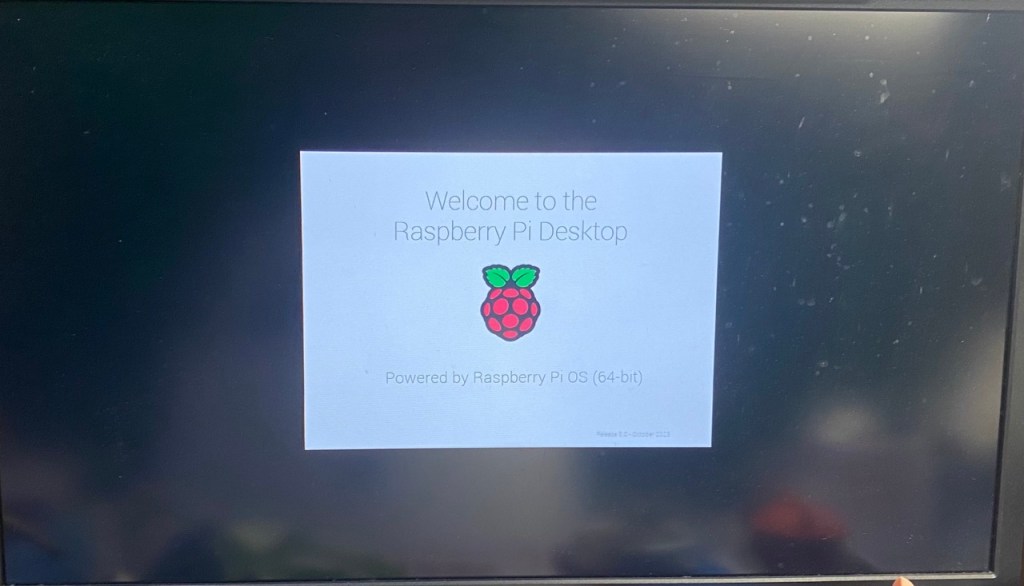
- 開機測試

改裝外殼
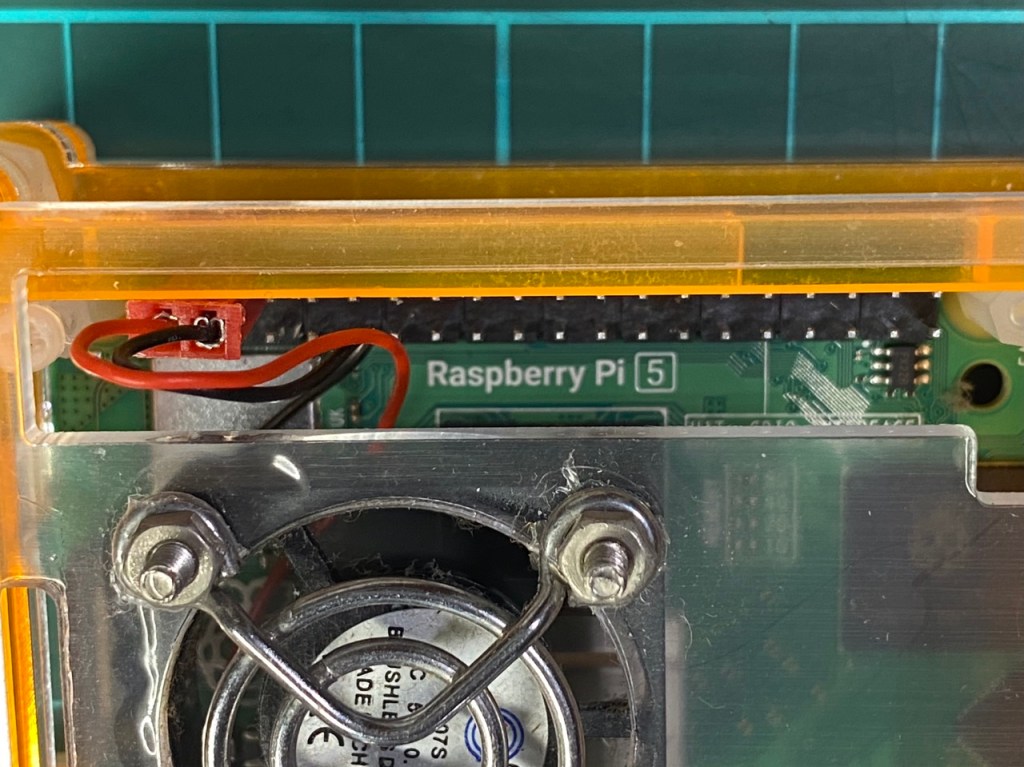
因為我不喜歡原廠外殼,所以自己拿 舊 Pi 4 的壓克力外殼改裝。
另外,Pi 4 與 Pi 5 網路端子是顛倒,所以剛好把這個積層式外殼顛倒過來就可以用了。
另外,一些開孔不同處,墊了8個M4尼龍螺母,稍微改裝一下,順利把Raspberry Pi 5 安裝上去了。
這樣先頂著用,另外,在物色散熱良好的外殼來安裝。

 Civil in AI